Create stunning images from a single sentence.
An AI image studio for creators, designers, and operators. Pick a model, set the look, and ship in seconds.
Sample outputs from our models
AI-generated samples from our models. Click any tile to remix the prompt.
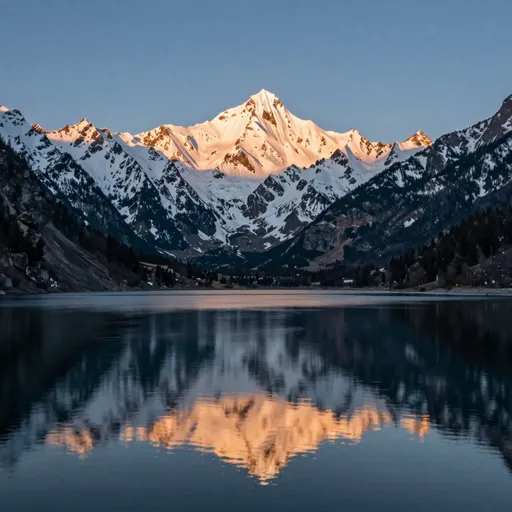
A serene mountain lake reflecting snow-capped peaks at sunrise

An anime girl with flowing pink hair holding a glowing katana under cherry blossoms

A bustling Hong Kong night market with neon signs and steam rising from food stalls

A cyberpunk warrior in neon-lit Tokyo streets with holographic advertisements
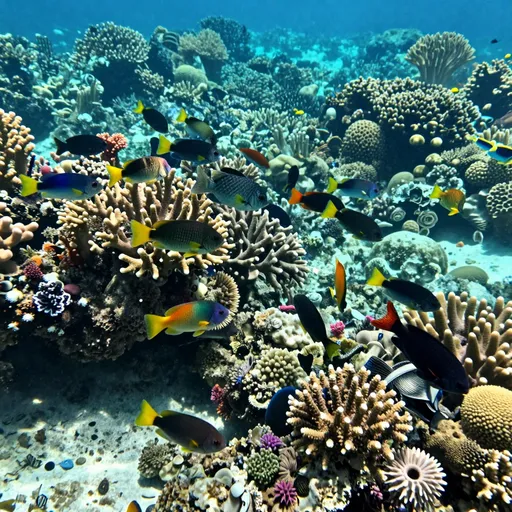
A coral reef teeming with tropical fish in crystal clear turquoise water
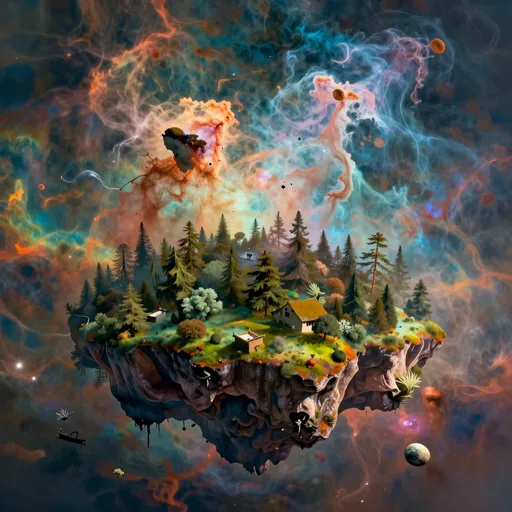
A floating island archipelago in a sky filled with rainbow nebulae

An elegant pour-over coffee setup with steam rising in soft morning light
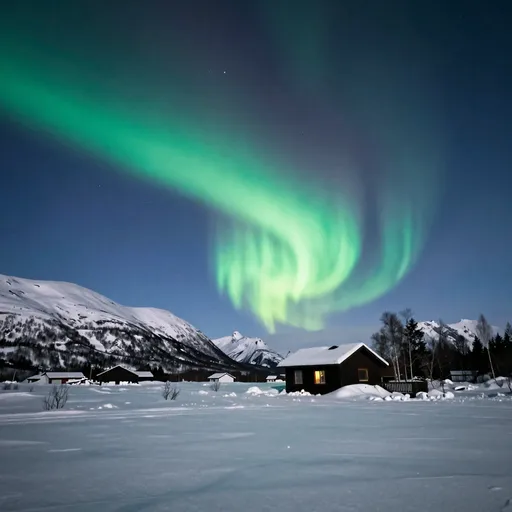
A Northern Lights display over a snow-covered Nordic landscape
One-tap looks
Tasks you can try right now
Built for fast, deliberate work
Everything you need to take a prompt from idea to publish-ready asset.
Sentence to image
Plain-language prompts. No tag stuffing. The router picks the right model for what you described.
Multi-image reference
Upload up to 14 images. The model preserves identity, style, or composition across the batch.
Four candidates per run
Compare four variations in one go and iterate on the winner without losing the others.
Fast Mode
Trade a small credit premium for sub-five-second turnaround when speed beats polish.
Commercial-grade output on paid plans
Premium and Ultimate: watermark-free, commercial license, highest resolution. Ship straight to product pages and ad creatives.
Studio canvas
Bring generations onto an infinite board, edit in place, extend the frame, remix any tile.
Three controls that matter
- Seventeen built-in styles, each with a tuned prompt suffix.
- Per-axis layering: style + color + lighting + composition.
- Save your own combos as presets in Studio.
Common questions
What is Aperture and how does it work?
Aperture is an AI image generation platform. You describe what you want in plain language, choose a style and aspect ratio, then click Generate. Our system routes your request to the most suitable model and returns four image candidates within seconds.Is there a free plan?
Yes. Every signed-in user gets daily free credits. Free generations include a small watermark and use our base model. Paid plans unlock higher-quality models, more credits and watermark-free outputs.Do I need an account to use it?
An account is required for image history, paid plans and the Studio canvas. We support email and Google sign-in.What kind of images can I generate?
Photographs, illustrations, 3D renders, anime, line art, oil paintings, isometric scenes and more. The platform supports realistic, stylized and abstract output across most common visual genres. Some content categories are restricted by safety policies.How is my data handled?
We collect the minimum data needed to deliver the service. Paid users can mark generations as private. Prompts and outputs are retained according to your account settings and our Privacy Policy. We do not sell user data.Which AI models do you use?
We integrate multiple state-of-the-art image and video models, including our own tuned variants and leading open and closed-source third-party models. The model selector shows what is currently available with each plan.Are there usage limits?
Daily and monthly credit allotments apply per plan. Generation rate limits prevent abuse. We do not impose hard caps on creative use within a plan's credit budget.Can I use generated images commercially?
Paid plan users may use generations for commercial purposes subject to our Terms of Service and applicable law. Free users may use outputs for personal, non-commercial purposes. You are responsible for ensuring your prompts and uses do not infringe third-party rights.Does it work on mobile?
The web app is responsive and works on mobile browsers. The Studio canvas is optimized for desktop. Native mobile apps are on the roadmap.How do I report a bug or request a feature?
Email support@aperture.studio with as much detail as you can — screenshots and reproduction steps speed things up. We read every message.How do you prevent misuse?
Prompt and output content moderation, rate limiting, automated abuse detection and a clear acceptable-use policy. Reports of abuse can be sent to support@aperture.studio.What's on the roadmap?
Improved video generation, advanced editing operations, team workspaces, a public API, and native mobile apps. Subscribe to our newsletter for monthly updates.